How can I find a vehicle quickly?
Support accurate, controlled Fleet & Vehicle Management operations by completing vehicle and vehicle assignment work with complete master data, traceable approvals, and reliable downstream reporting.
دعم عمليات إدارة الأسطول والمركبات بدقة ورقابة من خلال استكمال بيانات مركبة وتكليف مركبة واعتماداتها القابلة للتتبع وضمان موثوقية التقارير اللاحقة.
Business objective • هدف العمل
Support accurate, controlled Fleet & Vehicle Management operations by completing vehicle and vehicle assignment work with complete master data, traceable approvals, and reliable downstream reporting.
دعم عمليات إدارة الأسطول والمركبات بدقة ورقابة من خلال استكمال بيانات مركبة وتكليف مركبة واعتماداتها القابلة للتتبع وضمان موثوقية التقارير اللاحقة.
Detailed steps • خطوات التنفيذ التفصيلية
- Open Fleet Management → Inquiry & Reports → vehicle Search.افتح إدارة الأسطول ← الاستعلامات والتقارير ← البحث عن مركبة.
- Select the company and branch first, then enter a code, name, status, owner, or date range. Use % as a wildcard only where the control permits it.حدد الشركة والفرع أولاً ثم أدخل الرمز أو الاسم أو الحالة أو المالك أو نطاق التاريخ. استخدم % كبديل فقط في الحقول التي تسمح بذلك.
- Choose More Filters to add field-specific conditions. Use equals for codes and contains for names or descriptions.اختر عوامل تصفية إضافية لإضافة شروط خاصة بالحقول. استخدم يساوي للرموز ويحتوي على للأسماء والأوصاف.
- Select Search or press Enter. Sort by a column header and use Saved Views if this search is repeated regularly.اختر بحث أو اضغط Enter. رتّب النتائج من عنوان العمود واحفظ طريقة العرض إذا كان البحث يتكرر دورياً.
- Open the required row, or export the filtered result. Clear filters before starting an unrelated search.افتح الصف المطلوب أو صدّر النتيجة المصفاة. امسح عوامل التصفية قبل بدء بحث غير مرتبط.
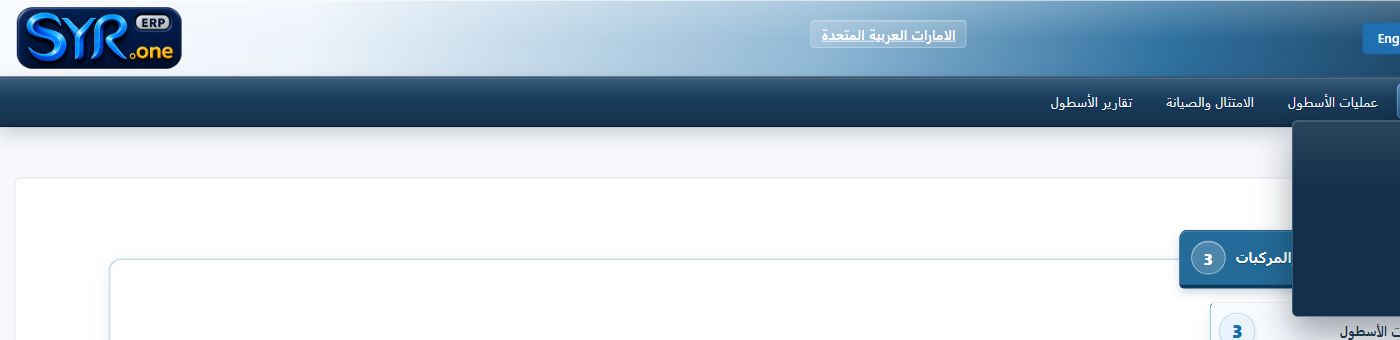
Real menu screenshot captured from the authorized syrone.local demonstration environment; labels and options may vary by tenant. • لقطة حقيقية من بيئة العرض المحلية المصرح بها على syrone.local؛ وقد تختلف التسميات والخيارات حسب إعدادات العميل.
Screen field-entry guide • دليل إدخال الحقول
| Field / الحقل | Requirement / المتطلب | What to enter / ما يجب إدخاله |
|---|---|---|
| Vehicle Number رقم المركبة | Required / مطلوب | Enter the approved vehicle number exactly as defined by company policy. أدخل رقم المركبة المعتمد تماماً وفق سياسة الشركة. |
| Plate اللوحة | Required / مطلوب | Enter the approved plate exactly as defined by company policy. أدخل اللوحة المعتمد تماماً وفق سياسة الشركة. |
| Make/Model النوع/الطراز | Required / مطلوب | Enter the approved make/model exactly as defined by company policy. أدخل النوع/الطراز المعتمد تماماً وفق سياسة الشركة. |
| Driver السائق | Required / مطلوب | Enter the approved driver exactly as defined by company policy. أدخل السائق المعتمد تماماً وفق سياسة الشركة. |
| Odometer عداد المسافة | Conditional / مشروط | Complete odometer when it applies to this record or transaction. استكمل عداد المسافة عندما ينطبق على السجل أو المعاملة. |
| Insurance Expiry انتهاء التأمين | Conditional / مشروط | Complete insurance expiry when it applies to this record or transaction. استكمل انتهاء التأمين عندما ينطبق على السجل أو المعاملة. |
Expected result • النتيجة المتوقعة
The record is saved with a unique reference, a valid status, complete audit history, and any required workflow or connected-module reference.
يُحفظ السجل برقم مرجعي فريد وحالة صحيحة وسجل تدقيق مكتمل مع مرجع سير العمل أو الوحدة المرتبطة عند الحاجة.
Troubleshooting • معالجة الأخطاء
If the action is unavailable, confirm company/branch context, open period, record ownership, required fields, workflow status, and role permissions. Use the validation log rather than repeatedly resubmitting unchanged data.
إذا لم يكن الإجراء متاحاً فتحقق من سياق الشركة والفرع والفترة المفتوحة وملكية السجل والحقول المطلوبة وحالة سير العمل وصلاحيات الدور. استخدم سجل التحقق ولا تكرر الإرسال دون تصحيح البيانات.